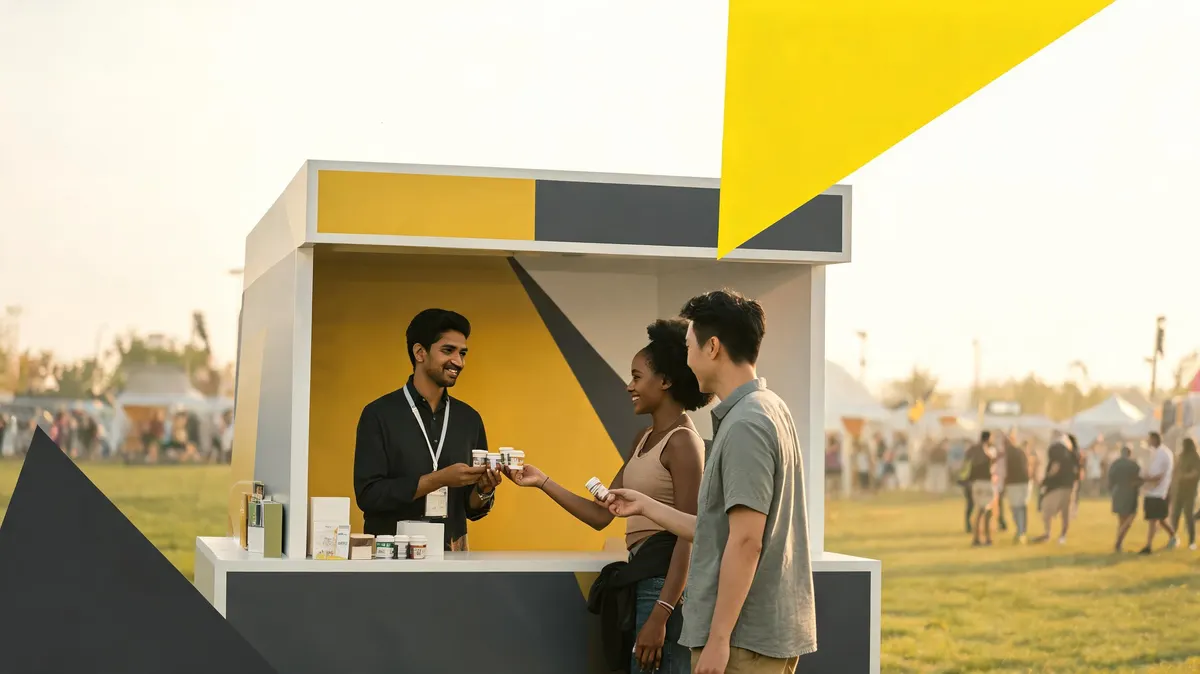

Your activation day checklist is the difference between a sponsor who says "everything went smoothly" and one who sends you a list of complaints on Monday morning. Most activation failures are not production problems — they are coordination problems. The right sponsor asset was not in the run-of-show. The right person was not on the radio. The right photo was not taken at the right moment.
This checklist is built for event organizers who have 2 to 15 sponsors on-site. Scale up for larger events by duplicating the sponsor section for each partner.
72 Hours Before: The Pre-Event Lock
Do not wait until load-in day to confirm sponsor logistics. Three days out, run through this sequence:
- Confirm sponsor contacts and on-site reps. Know the name, cell number, and role of every person each sponsor is sending to the event. Add them to a shared WhatsApp or Slack channel you will use day-of for real-time coordination.
- Audit the deliverable list. Pull your sponsor agreement and tick off every promised asset against what is physically ready: signage printed, digital slides loaded, promo codes generated, badge scanner app installed on sponsor's device.
- Confirm load-in windows. Every sponsor with a booth or activation needs a specific load-in time, parking instructions, and a point-of-contact who will meet them on arrival. Shared load-in windows cause congestion and start relationships badly.
- Run a tech check for digital assets. If sponsors have video, audio, or digital signage in the run-of-show, test the files on the actual hardware they will play on. A sponsor's 4K video file that stutters on your venue's display is your problem, not theirs.
- Send the run-of-show to all sponsors. A one-page schedule showing when their stage mention, their booth activation window, and any emcee callouts occur. Sponsors who know the schedule show up prepared. Sponsors who are surprised show up annoyed.
Load-In Day: The Setup Walkthrough
Load-in is chaotic. Build structure into it with a standard walkthrough sequence for every sponsor:
- Confirm placement before anything is bolted down. Walk the sponsor rep to their designated space and confirm dimensions, sight lines, and power access. Fix discrepancies now, not when 500 attendees are in the room.
- Photo every sponsor asset in place. Banner installed — photograph it. Tabletop display set — photograph it. Stage logo on the LED wall — screenshot it. These are your deliverable proof shots for the wrap report. Assign one person whose only job is asset documentation. Use a Google Photos shared album organized by sponsor name so files are immediately accessible post-event.
- Verify digital slide timing. If sponsor logos or ads run on a loop display, verify the loop is correct, the resolution is right, and someone has the access credentials to update it if a file corrupts mid-event.
- Brief your volunteers and staff on sponsor activations. Every person working the event should know which sponsors have booths, what they are offering attendees, and who to call if a sponsor needs help. Use a one-page briefing sheet printed and distributed at the staff check-in.
The Day-Of Run-of-Show Template
Your run-of-show document should include a dedicated sponsor column. Here is the structure that works for events with 5–15 sponsors:
| Time | Program Item | Sponsor | Asset / Action | Owner |
|---|---|---|---|---|
| 8:00 AM | Doors open | Presenting Sponsor | Looped slide deck live on main display | A/V Lead |
| 9:15 AM | Opening remarks | Title Sponsor | Emcee verbal acknowledgment + logo on screen | Emcee / Stage Manager |
| 10:30 AM | Break | All booth sponsors | Active booth engagement window — photo walk | Sponsorship Lead |
| 12:00 PM | Lunch | Food Sponsor | Sampling activation, staff deployed | Sponsor Rep |
| 4:45 PM | Closing remarks | All sponsors | Group thank-you, logo slate on screen | Emcee |
Build this in Google Sheets or Notion so your entire production team can view it live on their phones. According to Event Marketer's production guides, events that use a shared digital run-of-show have measurably fewer on-site coordination failures than those using printed-only documents.
During the Event: The Three Non-Negotiables
Once doors open, your job is execution and documentation. Three things must happen regardless of how busy it gets:
- Document every activation as it happens. Not after the event. Not from memory. Assign your documentation role to a specific person with a phone and an album link. If a sponsor's sampling activation is running at 11:30 AM, someone is photographing attendees engaging with it at 11:35 AM.
- Check in with every sponsor rep mid-event. A two-minute walk-through at the halfway point catches problems while you can still fix them. Sponsor ran out of samples? You can source more. Their QR code is not scanning? Your tech lead can fix it on the spot.
- Emcee callouts run on schedule. If a sponsor paid for three verbal mentions and you deliver two because the emcee lost track, that is a deliverable gap. The stage manager owns this — every sponsor mention should be scripted and timed in the run-of-show, not improvised.
For events with complex activations — product demos, branded experiences, sponsored sessions — review our guide to activation ideas that sponsors actually want.
Load-Out and Day-One Wrap
Load-out is when most activation documentation gets lost. Before sponsors pack up:
- Photograph every sponsor activation in its final state — booth, signage, product displays.
- Collect a brief verbal reaction from the sponsor rep on-site. A 60-second Loom video of them saying "it went well" is more compelling in a wrap report than any statistic. Ask permission first.
- Confirm their preferred contact for the post-event wrap report delivery and the timeline they expect it.
- Log any activation issues in writing before you leave the venue — missed emcee mention, signage that fell, digital display that went dark. Address these proactively in your wrap report rather than hoping the sponsor did not notice.
If you are using HubSpot's CRM, log the activation outcome in the sponsor's deal record within 24 hours. This becomes your reference for the renewal conversation 60 days later.
The Tools That Make This Manageable
- Notion — run-of-show database with sponsor columns, linked to a shared view for production staff. Real-time updates visible on any device.
- Google Photos (shared album) — zero-friction documentation. Every team member with the link can contribute photos instantly.
- WhatsApp or Slack — dedicated day-of channel with sponsor reps included. Faster than radio for most issues.
- Loom — quick video documentation of activations and sponsor testimonials. Files are instantly shareable and upload directly to your wrap report.
- Airtable — post-event deliverable log. Mark each asset as "delivered" or "issue" during load-out while the details are fresh.
The Eventbrite blog's event operations guides cover additional production workflows for managing multi-vendor activation days.
Bottom Line
Every missed activation is a renewal risk. The run-of-show checklist is not busywork — it is your protection against the "we did not get what we paid for" conversation. Build it once, adapt it per event, and assign clear ownership for every line item. Sponsors who see their investment executed flawlessly renew. Sponsors who feel like an afterthought do not.
Want help structuring your full sponsorship operations workflow, from proposal through wrap report? Book a free Xarify audit and we will review your current process end-to-end.